Tutorials
A crowd from one cycle
Turn one hopping cycle into a crowd with Repeat in a Line or Grid, then put them out of step with Stagger.
This page is also a lesson inside Phoenix: choose and start A crowd from one cycle, and Phoenix points at each control as you go. It takes about 7 minutes.
To follow along here instead, download the starting document, crowd.fla, and open it with .
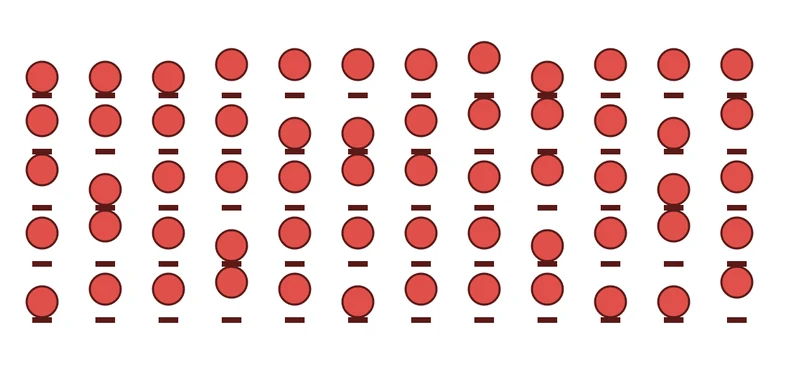
Hopper is a graphic symbol with a 12-frame hop that loops. In this tutorial one instance of it becomes a whole crowd, with no copying and pasting.
1. Select the hopper
Press V for the Selection tool and click the hopper on the stage.
2. Open the Behaviors panel
Choose Window > Behaviors if it is not showing. It lists what is on the selection and the settings of each.
3. Make a grid of copies
Click Add Behavior and choose Repeat in a Line or Grid. Five copies stand in a row.
4. More rows
Set Copies across to 12 and Rows to 5, and Space across to 90 and Space down to 80: a crowd of sixty.
5. Play it
Press Enter, or click the play button in the timeline header. All sixty hop together, like a drill team.
6. Put them out of step
Add Stagger. Each copy now runs its loop a few frames after the one before.
Tick In random order for a crowd that hops each to its own time.
7. Shake up the rows
Add Wiggle too, with a small amount, so no two stand in quite the same place. Each copy wiggles on its own.
What you did
One cycle made a crowd. The same works for grass, rain, a stadium or a field of flowers: any graphic with a loop.
Effector changes copies by where they are, for a wave through the crowd; try it next.
For everything this tutorial touches on, see Behaviors.